01
Receiving and inventory
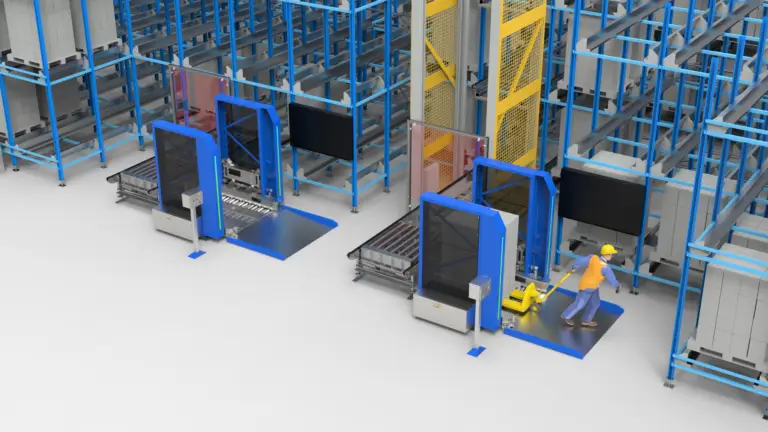
Record receipts, locations, stock movements and inventory status. Define identification, exception handling and stock accuracy procedures.

Warehouse Automation · Warehouse Software
The software that coordinates your stock, orders and automation equipment, supplied with a local team in Malaysia for product questions and after-sales support.
What we supply
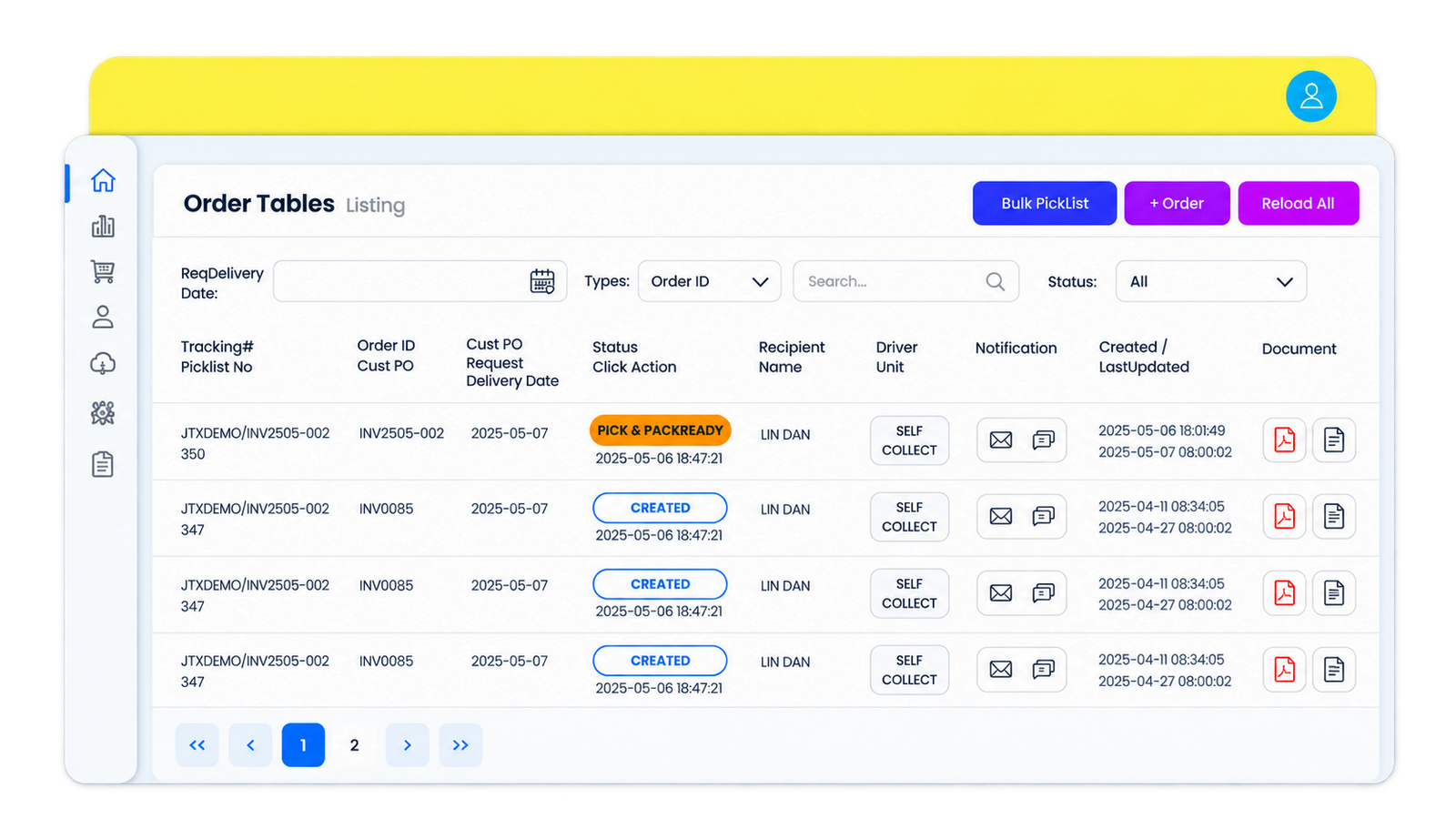
TTF TECH supplies TTF WMS, a warehouse management system built for automated warehouses. It tracks every stock location in real time, directs receiving, storage, picking and shipping, and coordinates automation equipment such as ASRS, pallet shuttles, AMRs and sortation systems.
Challenges
As a warehouse grows or adds automation, spreadsheets and paper lists stop keeping up. A WMS gives one live record of stock and directs each task, so people and machines work from the same information.
Live stock levels and bin locations reduce discrepancies.
Guided workflows and routing direct each pick.
Slotting rules place stock by product characteristics and movement.
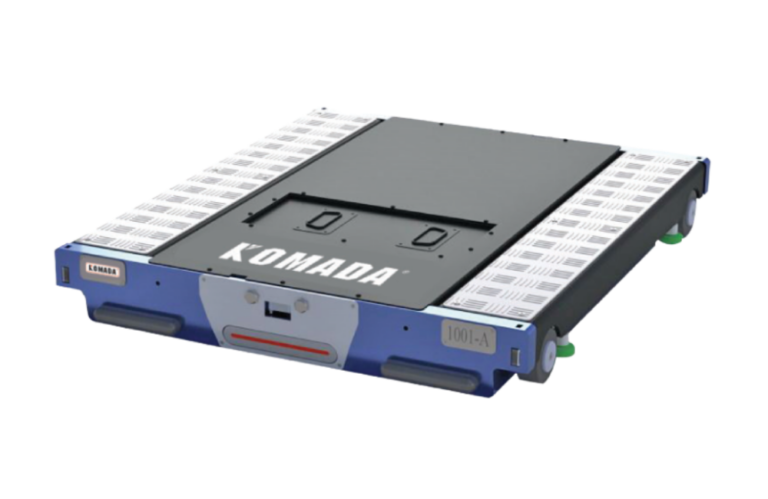
One system directs shuttles, AMRs and sorters.
Dashboards and reports show bottlenecks and trends.
TTF TECH is your point of contact in Malaysia for product and after-sales questions.
Options
TTF WMS organises warehouse information and work from receiving through dispatch. The functional scope should follow your operating process, users and reporting needs.
01
Record receipts, locations, stock movements and inventory status. Define identification, exception handling and stock accuracy procedures.
02
Allocate stock and organise picking, packing and shipment tasks. Configure the workflow around order profiles and required traceability.
03
Define dashboards, reports, user permissions and audit requirements. Confirm which features are standard, configurable or separately developed.
Capabilities
Modules
| Area | What it covers |
|---|---|
| Inventory management | Real-time stock levels and bin locations |
| Warehouse management | Storage locations, slotting by product characteristics and movement |
| Allocating centre | Allocation rules for stock and orders |
| Quality control | Quality checks within warehouse processes |
| Report management and report centre | Dashboards and reports for bottlenecks and demand planning |
| Security management | User access and permissions |
| Flexible interface and customisation | Screens and workflows adapted to your operation |
| System connections | ERP, SAP, MES and WCS |
| Automation equipment | ASRS, pallet shuttles, AMRs and sortation systems |
The scope of software connection is confirmed for each project with the software supplier.
Comparison
Without a WMS, each step depends on paper, memory and manual checks. With a WMS, every step is directed and recorded by the system.
| Process | Without a WMS | With a WMS |
|---|---|---|
| Receiving | Paper checks against the delivery note | Receipts scanned and matched to the order |
| Storage | Operator decides where to put stock | System directs putaway to a location |
| Picking | Paper pick lists | Guided picking with routing |
| Shipping | Manual checks before dispatch | Orders verified by the system before dispatch |
How it fits
Your ERP or SAP sends orders and receipts to the WMS.
The WMS allocates stock and creates storage and picking tasks.
Through the WCS, tasks go to shuttles, AMRs and sorters.
Each completed task updates inventory in real time.
Results flow back to your ERP and into reports.
Connection to your existing software is specified per project with the software supplier.
Requirements
| Layer | Primary role | Project questions |
|---|---|---|
| ERP and business systems | Business orders and enterprise records | Which system owns master data, orders and financial records? |
| WMS | Inventory, locations and warehouse task planning | Which workflows, users and reports are included? |
| WCS and equipment control | Coordinates equipment execution where required | Which controller owns routing, interlocks and execution feedback? |
Local support
TTF TECH connects customers with relevant software and equipment partners. Implementation ownership, support response, training, hosting and interface maintenance are defined in the agreed scope.
FAQ
It is software that manages stock, storage locations and warehouse tasks from receiving to shipping.
Yes. It coordinates ASRS, pallet shuttles, AMRs and sortation systems through a warehouse control system.
Yes. It is designed to connect with ERP, SAP, MES and WCS. The connection scope is confirmed per project.
Manufacturing, logistics, e-commerce, food and beverage, pharmaceuticals, retail and cold storage.
Review receiving, stock locations, replenishment, picking, dispatch, traceability and reporting against your operations. Confirm the available functions and agreed scope during the product review.
Interfaces depend on the selected systems and agreed scope. Define data ownership, message formats, task acknowledgements and exception handling before confirming the integration.
Yes. TTF TECH is based in Malaysia and is your local point of contact for product enquiries and after-sales support. The service scope is agreed for each project.
Let's plan your next step
Share receiving, inventory, picking and dispatch processes, user roles, reporting needs and existing business-system interfaces.
Related products